 IODJ-ULTRA
IODJ-ULTRA
IODJ-ULTRA
Available now on the App Store for iOS devices
Download IODJ-ULTRA from the App Store and start managing your subscriptions immediately. The app is available for all iOS devices running iOS 13.0 or later.
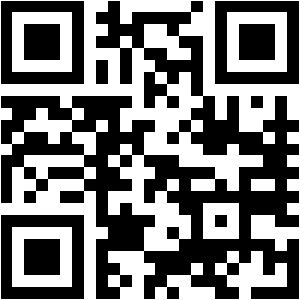
Scan this QR code with your iPhone camera to open the App Store

iOS 13.0 or later
iPhone and iPad
Optional (for reminders)
Minimal space required
Tap the App Store icon on your iOS device or scan the QR code above.
Search for "IODJ-ULTRA" in the App Store search bar.
Tap "Get" or the price button to download and install the app.
Open the app and start adding your subscriptions to begin tracking.
If you encounter any issues during download or installation, please don't hesitate to contact our support team.
Contact Support